Fieldstaff Users Management
This page helps you manage fieldstaff user management in your system. It is the The flow is
Fieldstaff Users
✅ What you can do here:
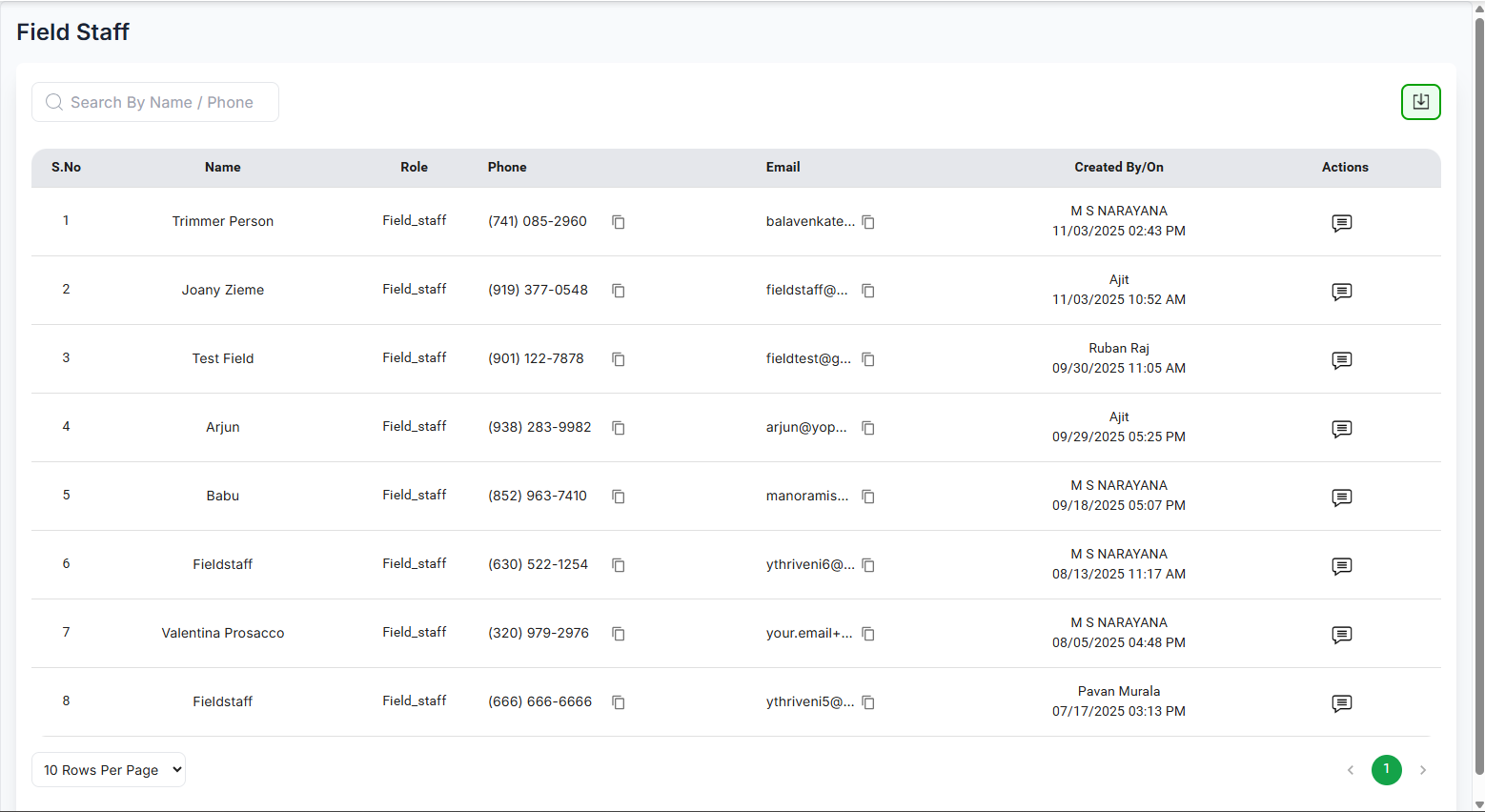
- View a list of all existing Fieldstaff users.
- Enter the "Name Or Phone" into the search bar to find the required user.
-
The
"
 " icon refers to Action History if you hover on it the
whole actions performed
" icon refers to Action History if you hover on it the
whole actions performed
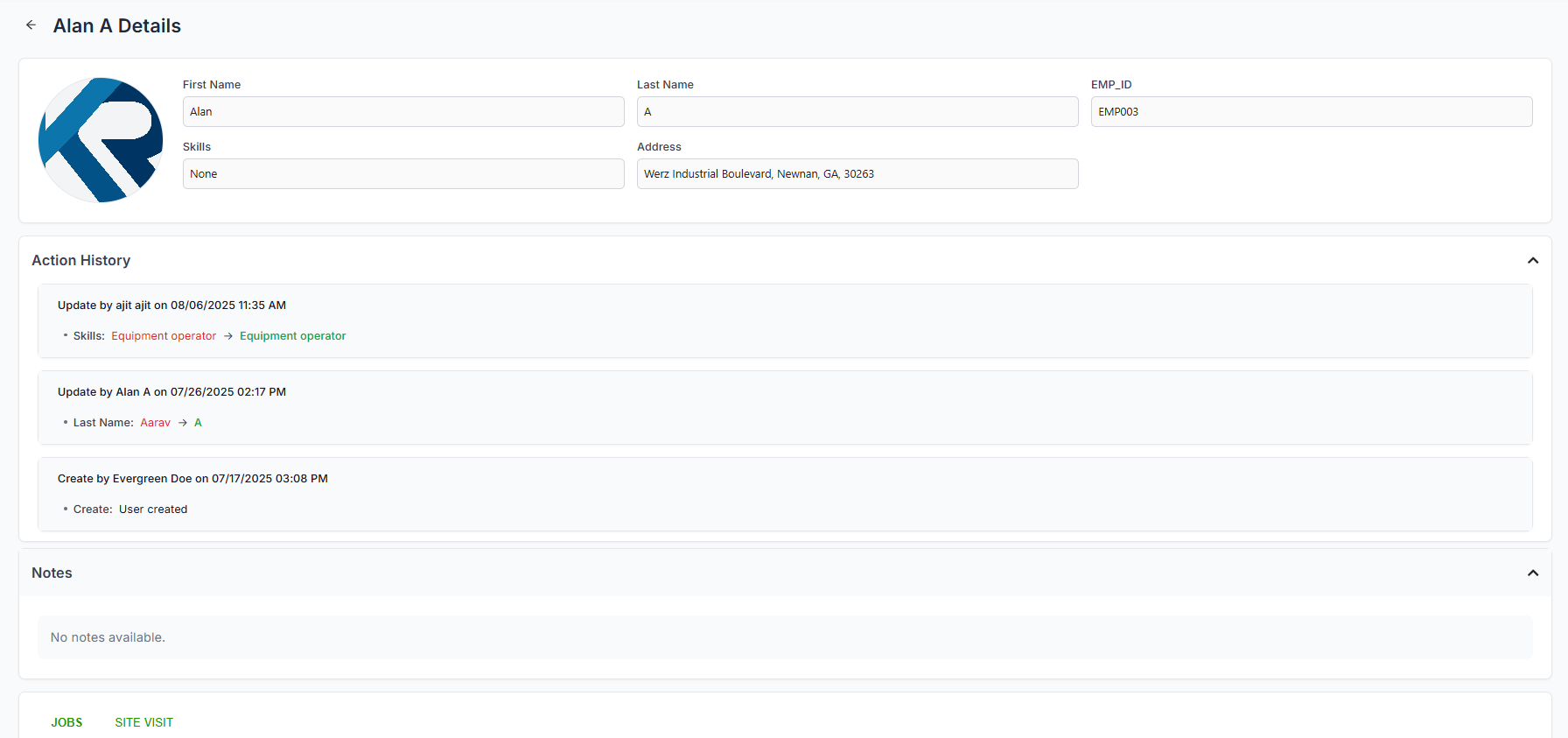
on that table record is shown. - On clicking on table row we can see the fieldstaff user details
-
You can control how many records are to bedisplayed in the table by
selecting "Rows Per Page". Use the
Previous and Next buttons to navigate between pages.
Fieldstaff User Details
Here you can view the Jobs assigned to the fieldstaff user.
Fieldstaff Jobs
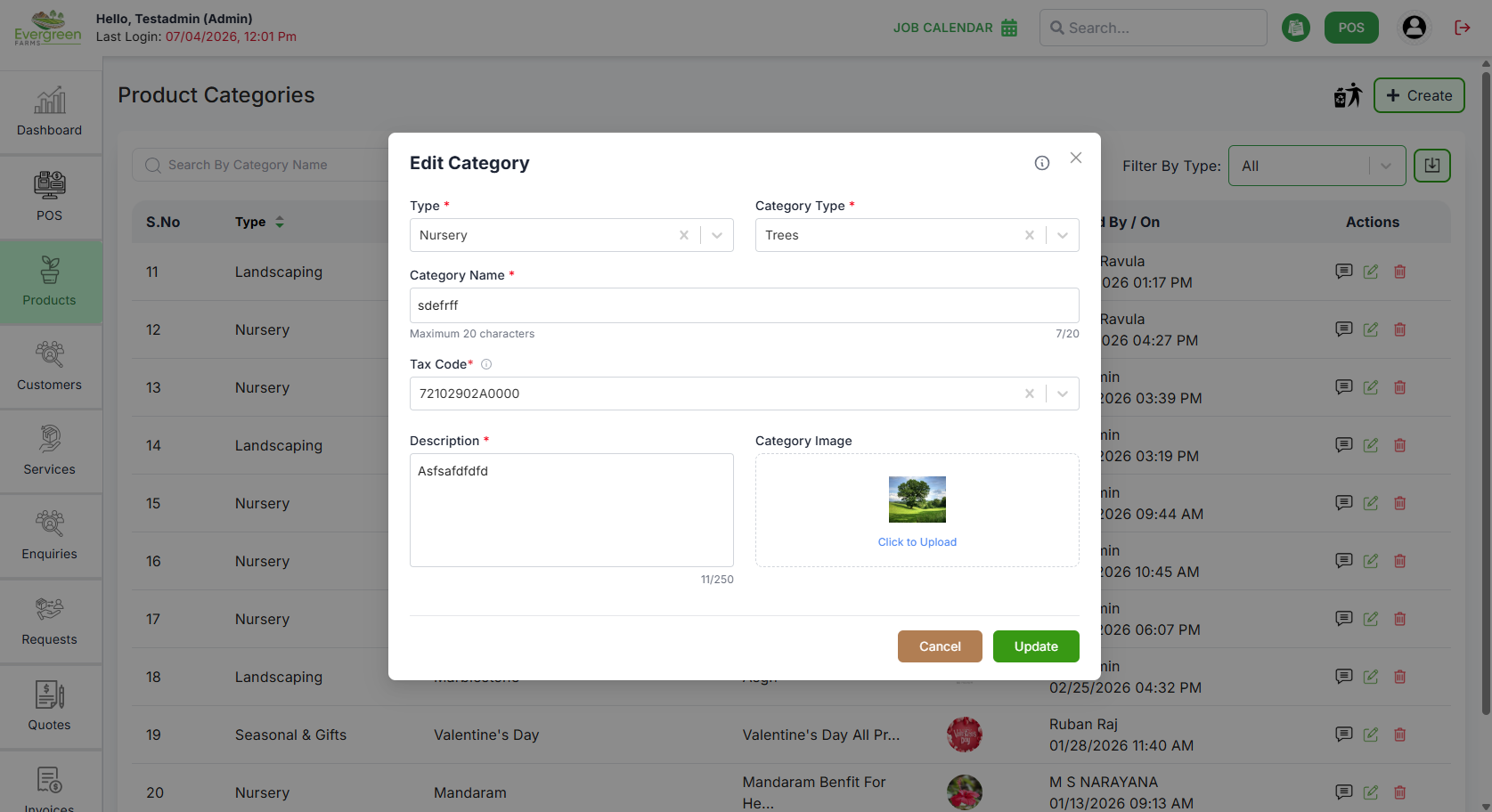
- Re-enter the type of the Product.
- Re-enter the Category type.
- Re-enter the Category Name.
- Re-add the Description.
- Upload or re-upload the Category Image.
Pagination Controls
Navigate through partner records efficiently:
- Use the rows per page dropdown (▼) to select display density
- Default shows 10 rows per page (e.g., 5, 10, 15, 20)
- Use pagination controls when you have more vendors than fit on one page (e.g., Prev, Next)
