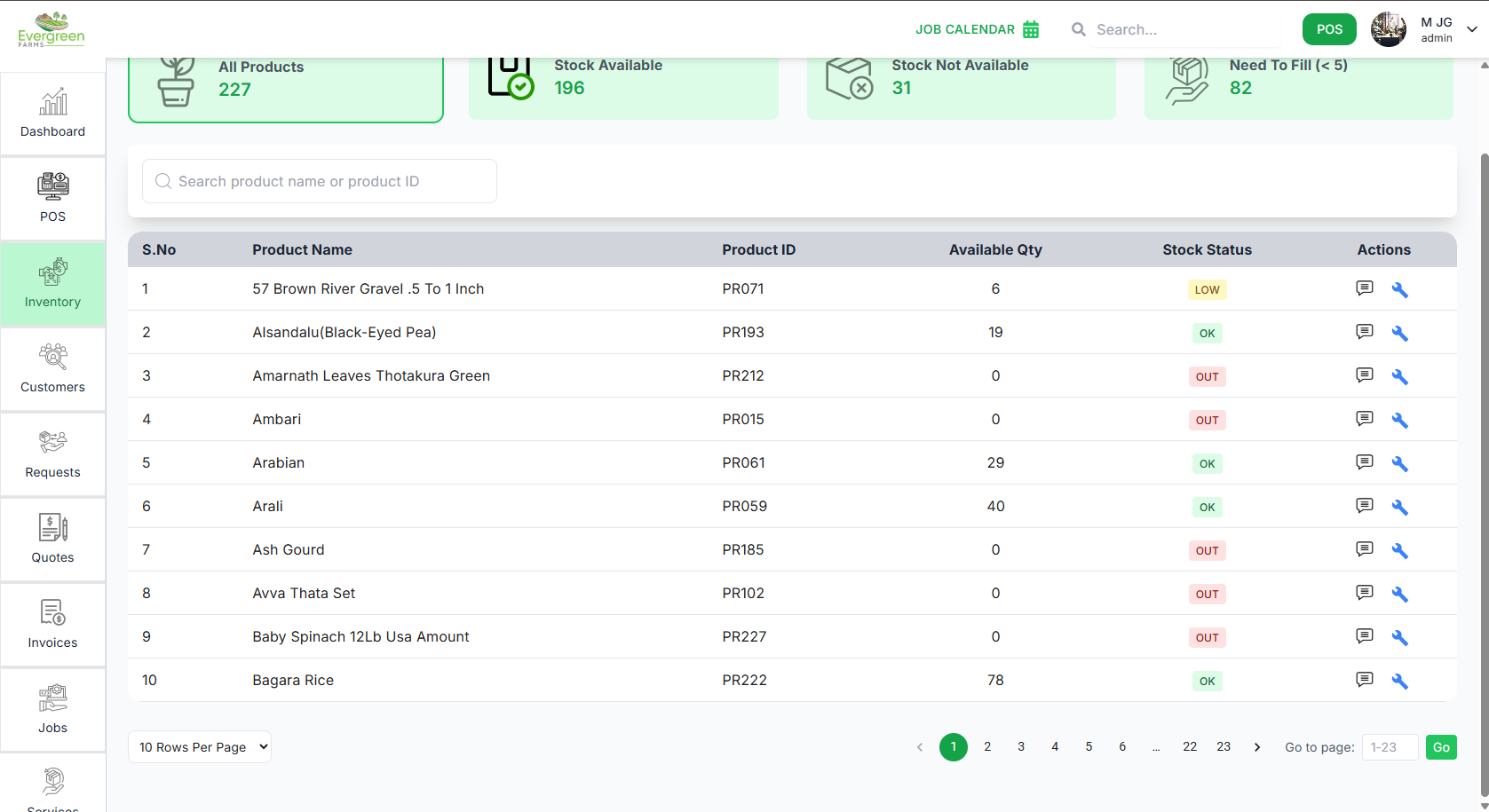
Inventory Management
Easily monitor, track, and manage your product stock levels using the Inventory Management module. This guide explains how to view inventory, check stock status, and take action on products.
Inventory Dashboard
✅ Key Features
- All Products: View the total number of products in inventory.
- Stock Available: See how many products are currently in stock.
- Stock Not Available: Instantly identify out-of-stock items.
- Need To Fill: Find products with low stock (less than 5 units).
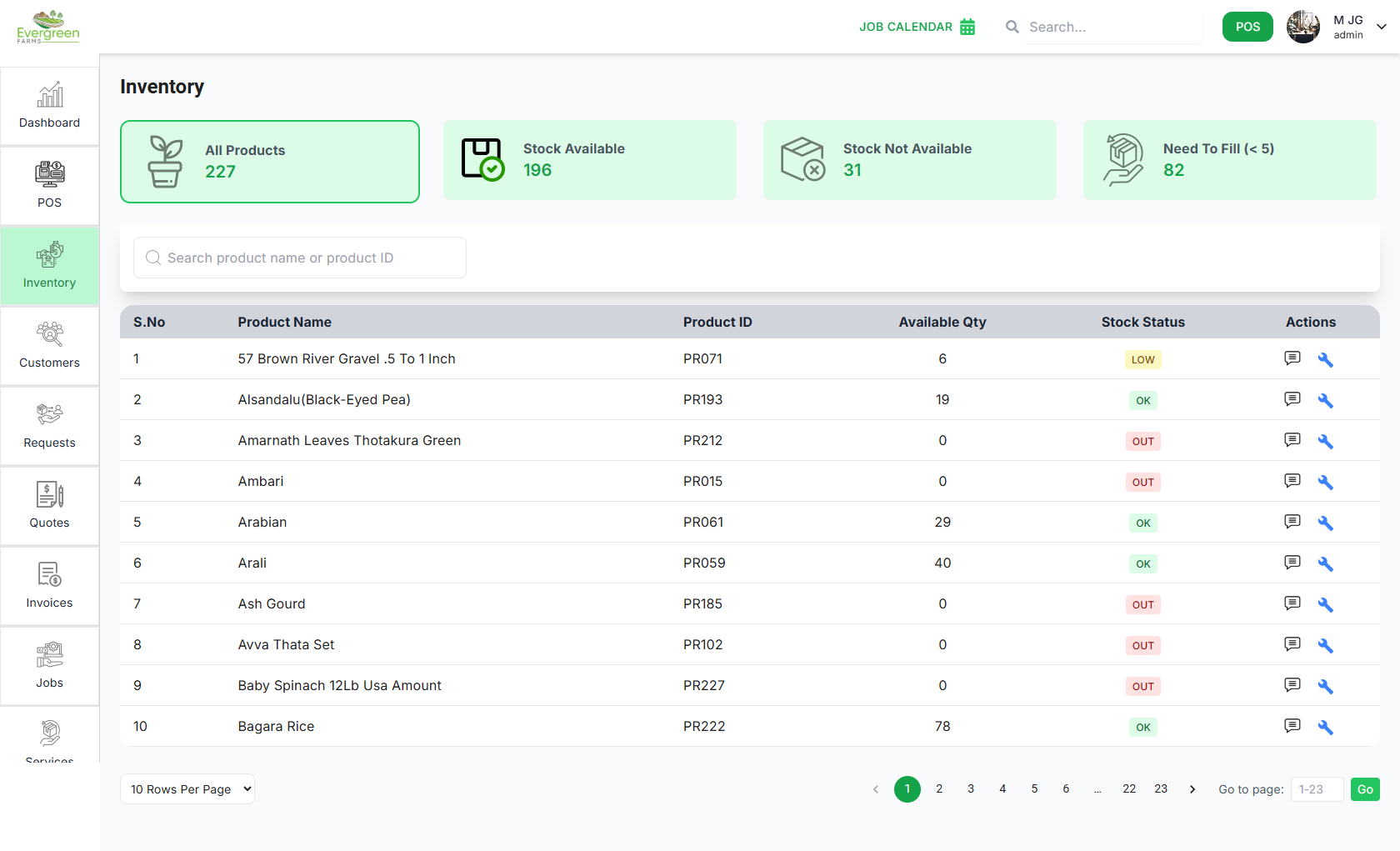
Product List
✅ How It Works
- Search: Quickly find products by name or Product ID using the search bar.
-
Table Columns:
- S.No: Serial number.
- Product Name: Name of the product.
- Product ID: Unique identifier.
- Available Qty: Current stock quantity.
-
Stock Status:
- LOW – Less than 5 units.
- OK – Sufficient stock.
- OUT – Out of stock.
-
Actions:

- Pagination: Use page controls to navigate the product list.